
Change begins
in the details.
Access Lite ROM files for free, select your device for Plus, or explore eSIM options. Recovery/TWRP and Fastboot installation methods are supported.
The interface visuals are real project screenshots. Use the current lists below to choose your device and package.
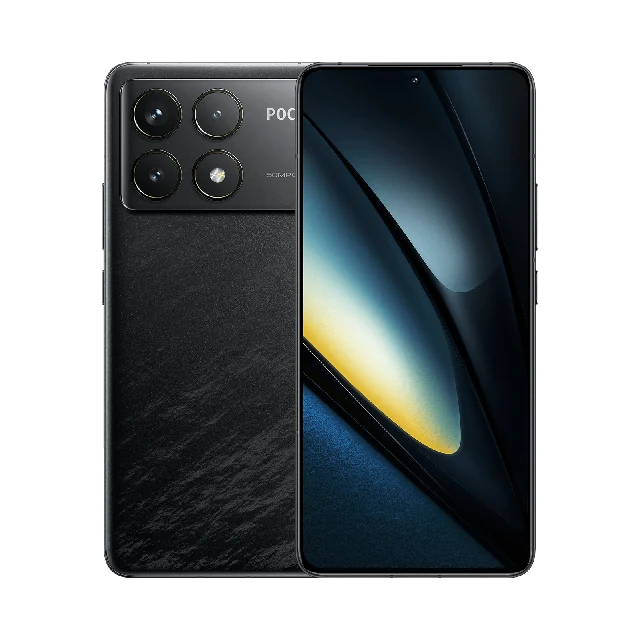
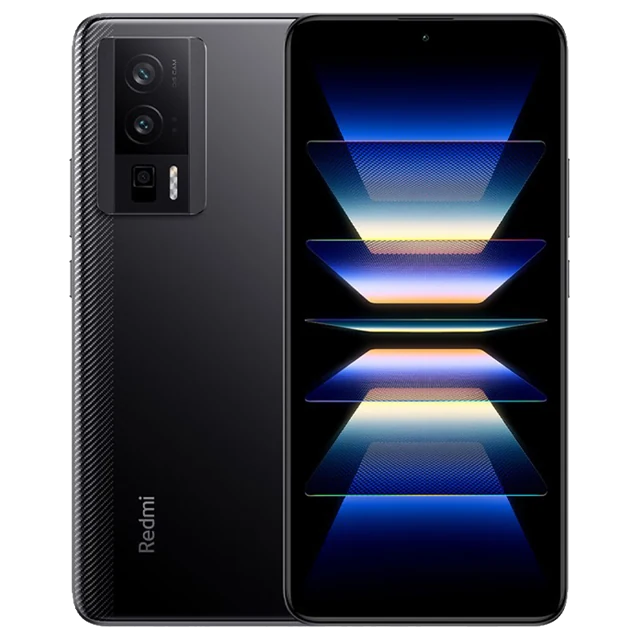
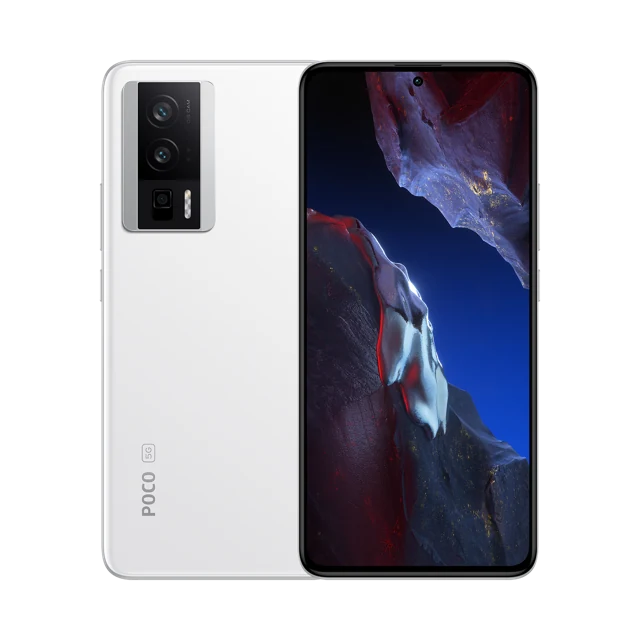
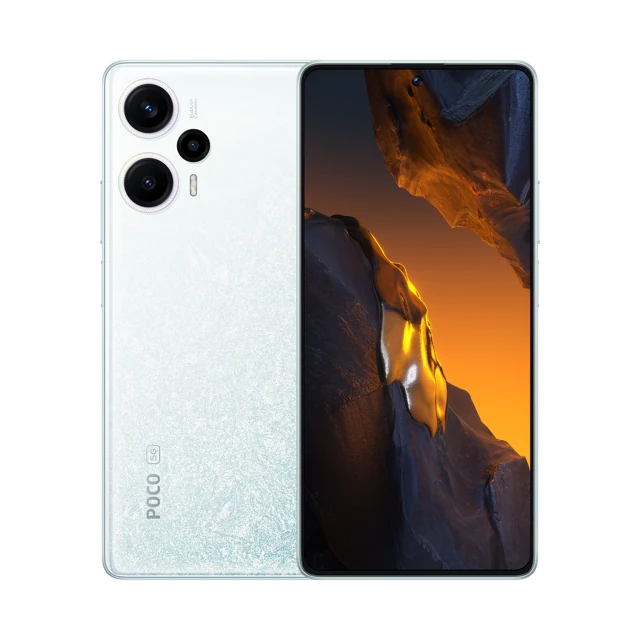
Your device is here.
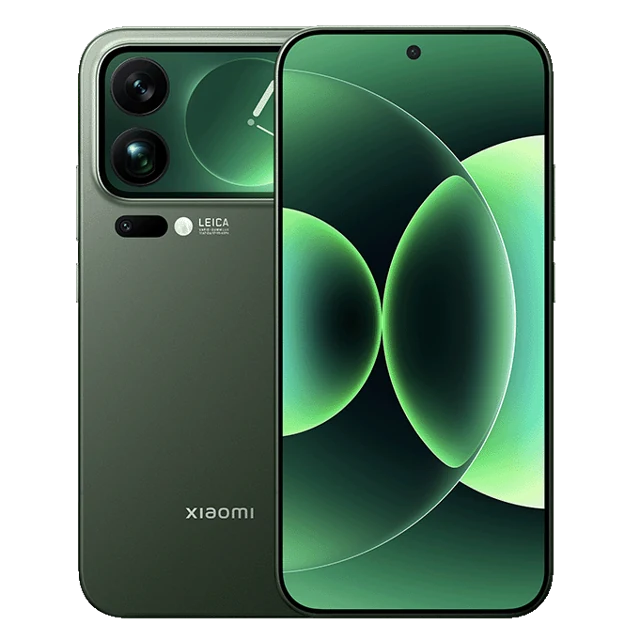
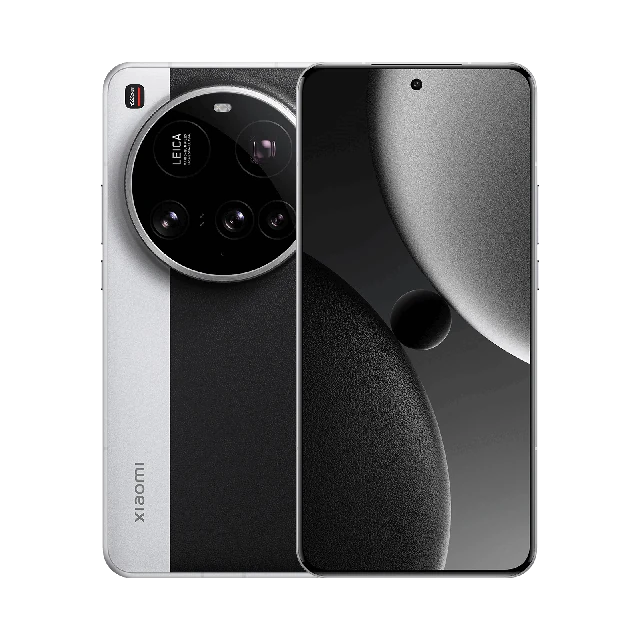
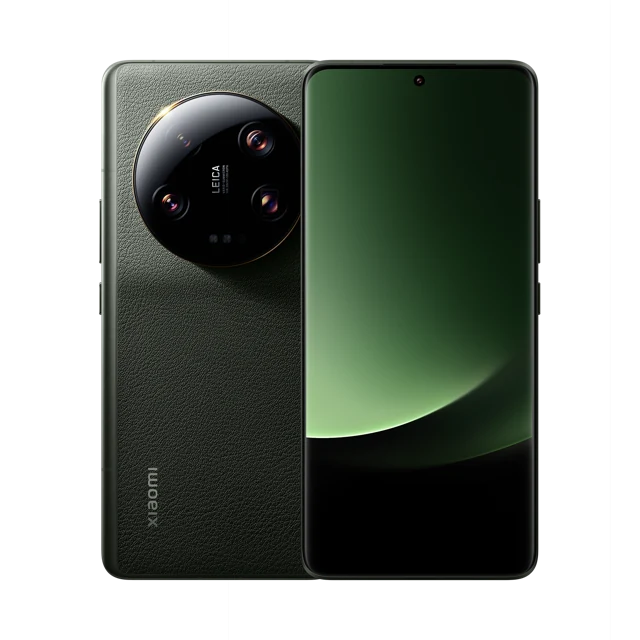
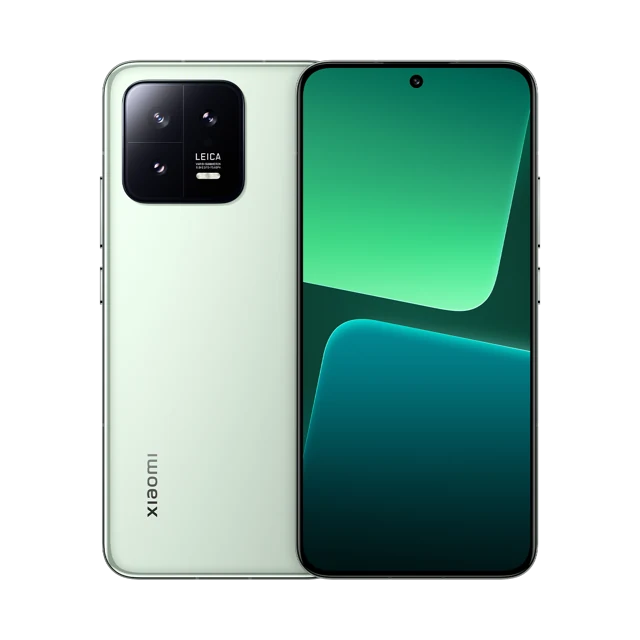
The current supported models.
Verify your exact model before installing.


Questions on your mind.
Which devices does HyperVoltron support?
14 supported models in 11 device groups are listed above and on the ROM page. Confirm your exact model before installing.
How do I get Lite and Plus ROM?
Get Lite ROM on the ROM page opens the free files in Google Drive. HyperOS 3 Plus costs USD 7.8, paid in TRY. HyperOS 2 and 4 are also available on the ROM page. Choose your version and device to create a 15-minute order link.
How can I install Plus?
Recovery/TWRP and Fastboot are supported. After the Fastboot .bat installation, flash the activator separately in TWRP. Both methods are detailed in the installation guide.
What do the eSIM packages include?
7 products are number only. Packages with unlimited internet via VPN are labelled on their cards. Check the scope before buying.
How do payment and delivery work?
Pay by card through Stripe. Delivery follows server-verified payment via @godofvoltron on Telegram. USD equivalents are indicative; payment is in TRY.
Does eSIM work on every phone or ROM?
No. ROM compatibility and eSIM hardware support are separate. Check your device region, eSIM capability and carrier requirements.
Is HyperVoltron an official Xiaomi project?
No. It is independent and does not claim an official partnership with Xiaomi, Google or the carriers. Brands belong to their owners.